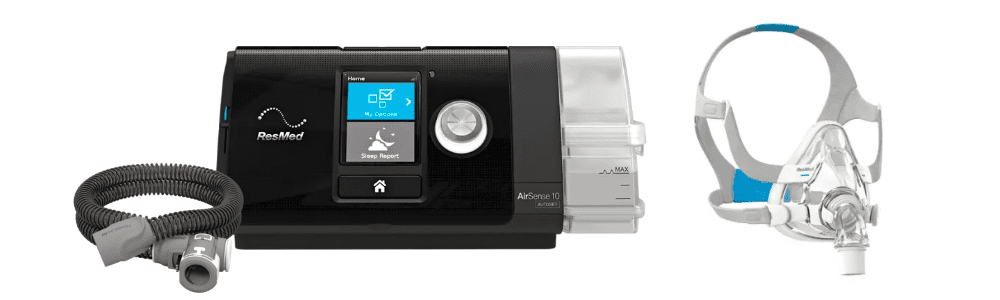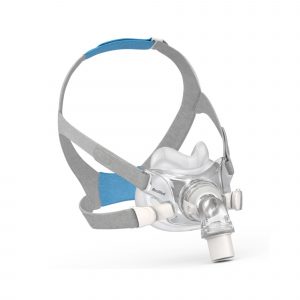
AirSense™ 10 is one of the world's most widely used series of CPAP and APAP machines, each designed to deliver high-quality therapy for a better night's sleep.
With each AirSense 10 device offering built-in cellular technology, your clinical team has access to therapy data and remote access to your device settings.
Every AirSense 10 machine includes a wide range of features designed to deliver comfortable therapy, as well as myAir access to help you stay on track throughout your sleep apnea treatment journey.
Let's take a look at the differences between CPAP, Elite and Autoset models.
These are fixed-pressure machines, meaning they deliver a consistent pressure that is set by your doctor
Auto-adjusting machines change airflow pressure levels throughout the night based on your needs.
The AutoSet algorithm is one of the most clinically published in the field of sleep-disordered breathing. It works to automatically adjust to each patient’s therapy pressure as their needs change to deliver the patient’s ideal, lowest therapy pressure.
Your AirSense 10 machine has been set up for your needs by our team. But it's understandable you may want to make small adjustments based on your comfort needs. Here are some tips on how to adjust the comfort settings.
How to access your comfort settings on the AirSense 10:
On your AirSense 10 machine, rotate the dial to highlight My Options and press the dial to see your current settings. From here, you can personalize your options.
Humidity Level
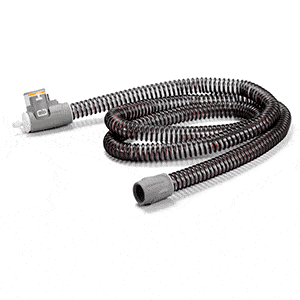
The humidifier moistens the air and is designed to make your therapy more comfortable. With the Climate Control Auto setting, both temperature and humidity are automatically preset at levels designed for maximum comfort. If you have a ClimatelineAir ™ heated tube, all you have to do is plug it in and press Start. Note: ClimatelineAir heated tubing is required to use Climate Control Auto.
You can also manually set the Humidity Level to Off or between 1 and 8, where 1 is the lowest humidity setting and 8 is the highest humidity setting.
If you're getting a dry nose or mouth, turn up the humidity.
If you're getting any moisture in your mask, turn down the humidity.
How to adjust humidity:
In My Options, turn the dial to highlight Humidity Level and then press the dial.
Turn the dial to adjust the humidity level and press the dial to save the change.
Ramp Time
Ramp Time is the period during which the pressure increases from a low start airflow pressure to your prescribed treatment pressure. You can set your Ramp Time to Off, 5 to 45 minutes or Auto. When Ramp Time is set to Auto, the device will detect when you have fallen asleep and then gradually increase to the prescribed treatment pressure.
How to adjust Ramp Time:
In My Options, turn the dial to highlight Ramp Time and then press the dial.
Turn the dial to adjust the ramp time to your preferred setting and press the dial to save the change.
Need more help with your comfort settings? Your medical equipment store can help make any other necessary adjustments.
That's easy, it's us! Getting used to your CPAP therapy can be challenging and there may be different equipment options that will work better for your personal comfort needs, so don't hesitate to reach out!
We can help. Fill out our Contact Us form or call us at 833-216-CPAP.